About the Project
Key Features
🧠 Smart & Pro Productivity
Natural Language Input Shortcuts:
Type !high, !med, or !low directly in the title to assign priority.
Type @today or @tomorrow to schedule the due date automatically.
Type #work, #personal, #health, #study, or #shopping to attach category tags on the fly.
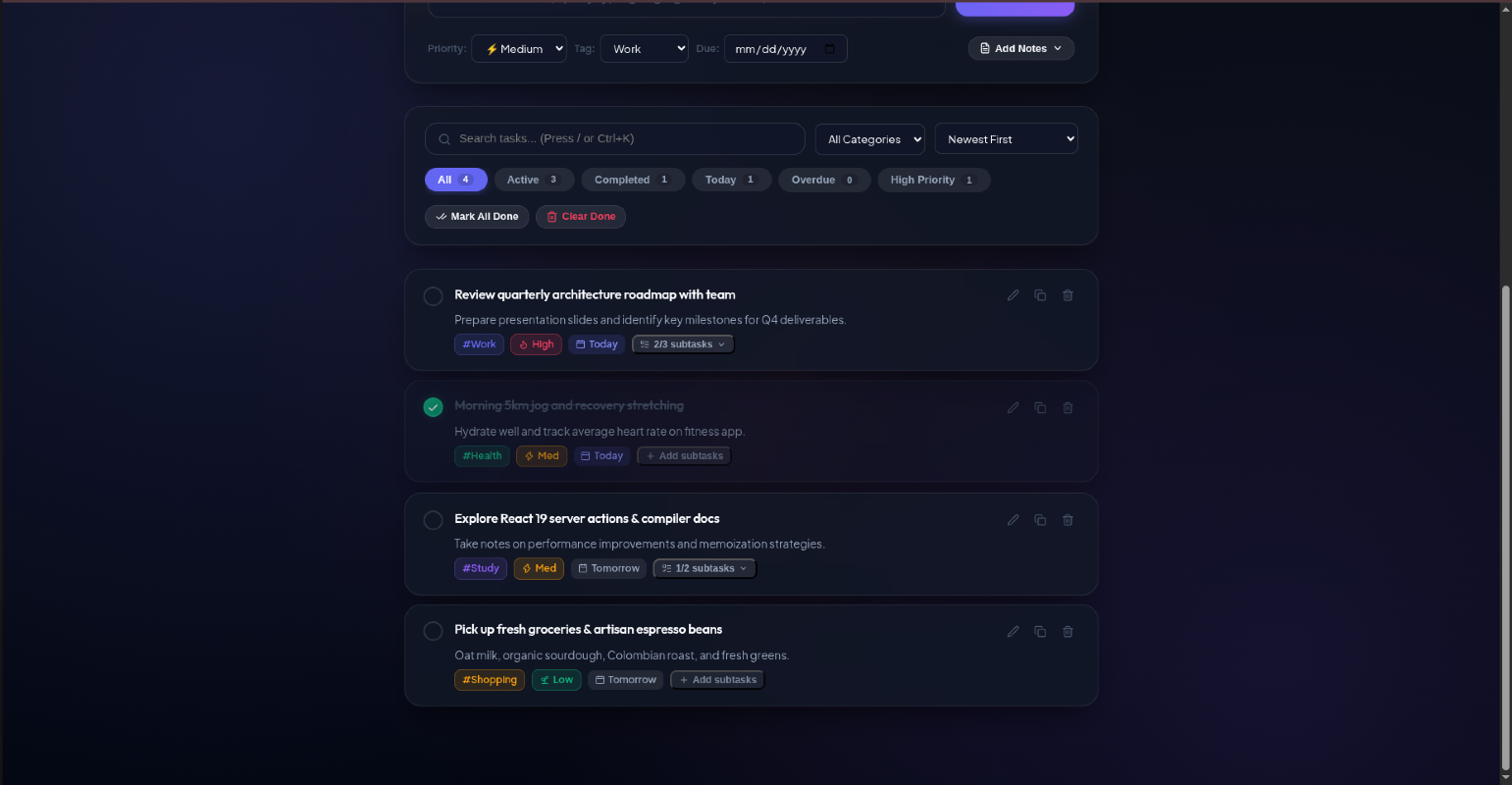
Priority Matrix: Visual indicators with glowing accents for High (Urgent), Medium, and Low priorities.
Nested Subtasks & Checklists: Break down complex tasks into sub-steps with live progress indicators (e.g., 2/3 subtasks done).
Smart Due Dates: Dynamic relative badges ("Today", "Tomorrow", "3d overdue") with automatic calendar computations.
Multi-Level Filters & Instant Search: Filter by Status (All, Active, Completed, Due Today, Overdue, High Priority) or Category, and perform real-time search across task titles and notes.
Flexible Sorting: Sort tasks by Newest, Due Date, Priority level, or Alphabetically.
Batch Productivity Actions: One-click "Mark All Done" or "Clear Completed" for rapid task clearance.
🎨 Visual Excellence & Micro-Interactions
Glassmorphism Design System: Tailored dark & light themes with backdrop blurs (backdrop-filter: blur(18px)), radial ambient glows, and clean typography powered by Plus Jakarta Sans and Outfit.
Celebration Confetti: Dynamic particle bursts upon completing tasks or clearing goals.
Synthesized Audio Feedback: Subtle, non-intrusive sound effects (pops, completion chimes, delete swooshes) generated live via the Web Audio API (can be toggled on/off anytime).
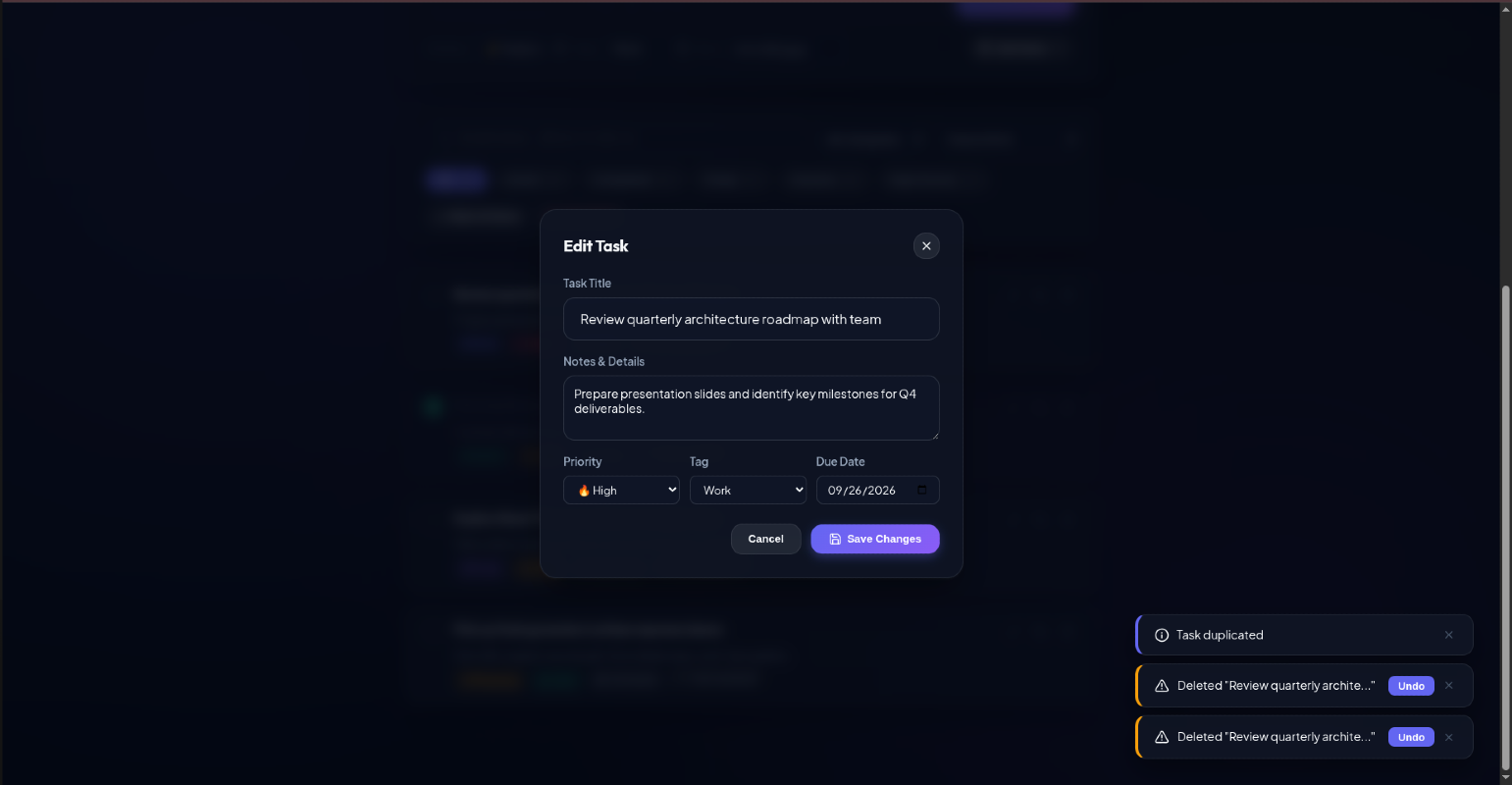
Safe Deletion with Instant Undo: Delete any task with peace of mind—an interactive toast with an Undo button lets you restore it immediately.
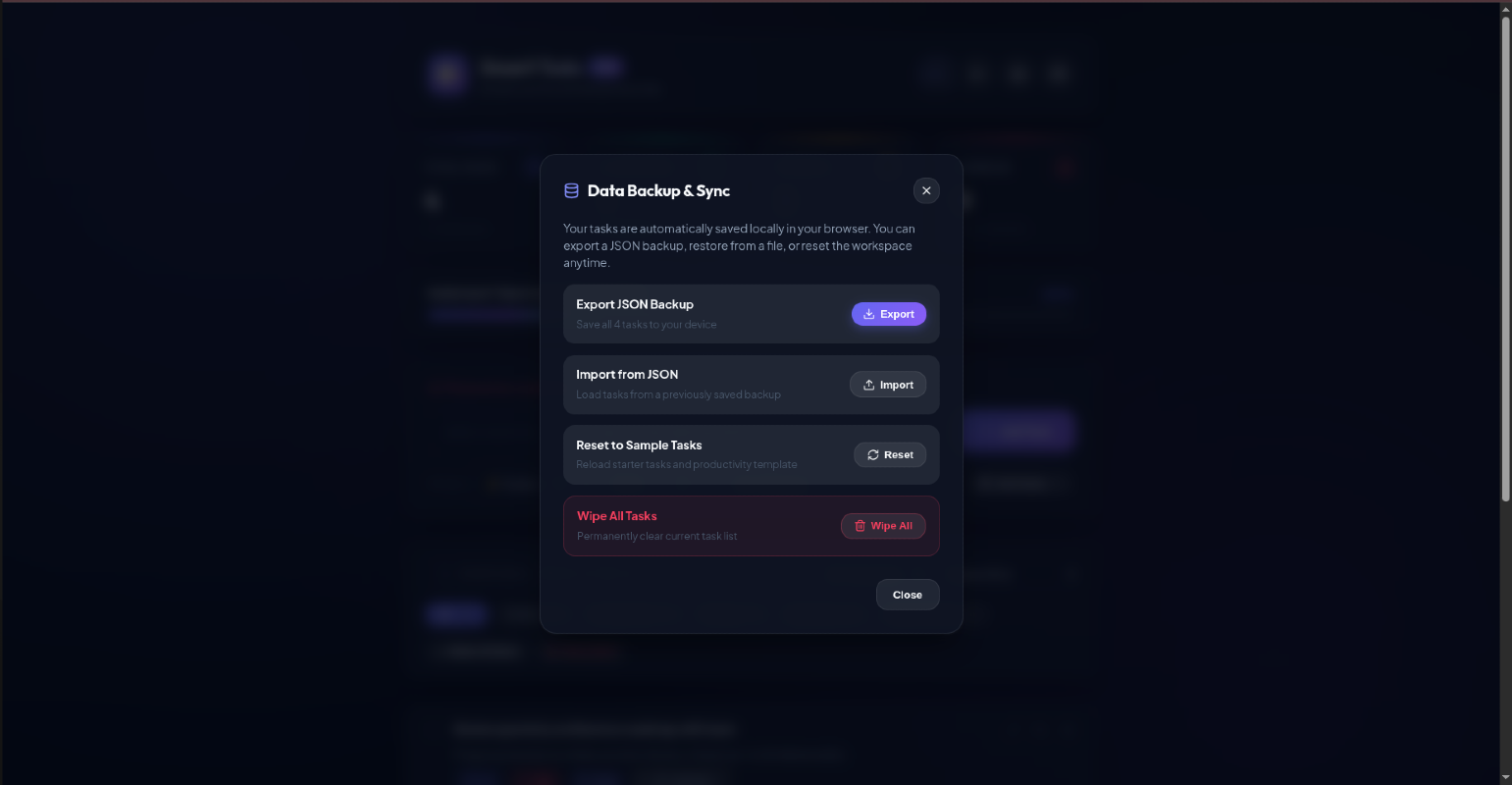
Data Backup & Restore: Export all tasks to JSON, import backups, or reset to default starter tasks.
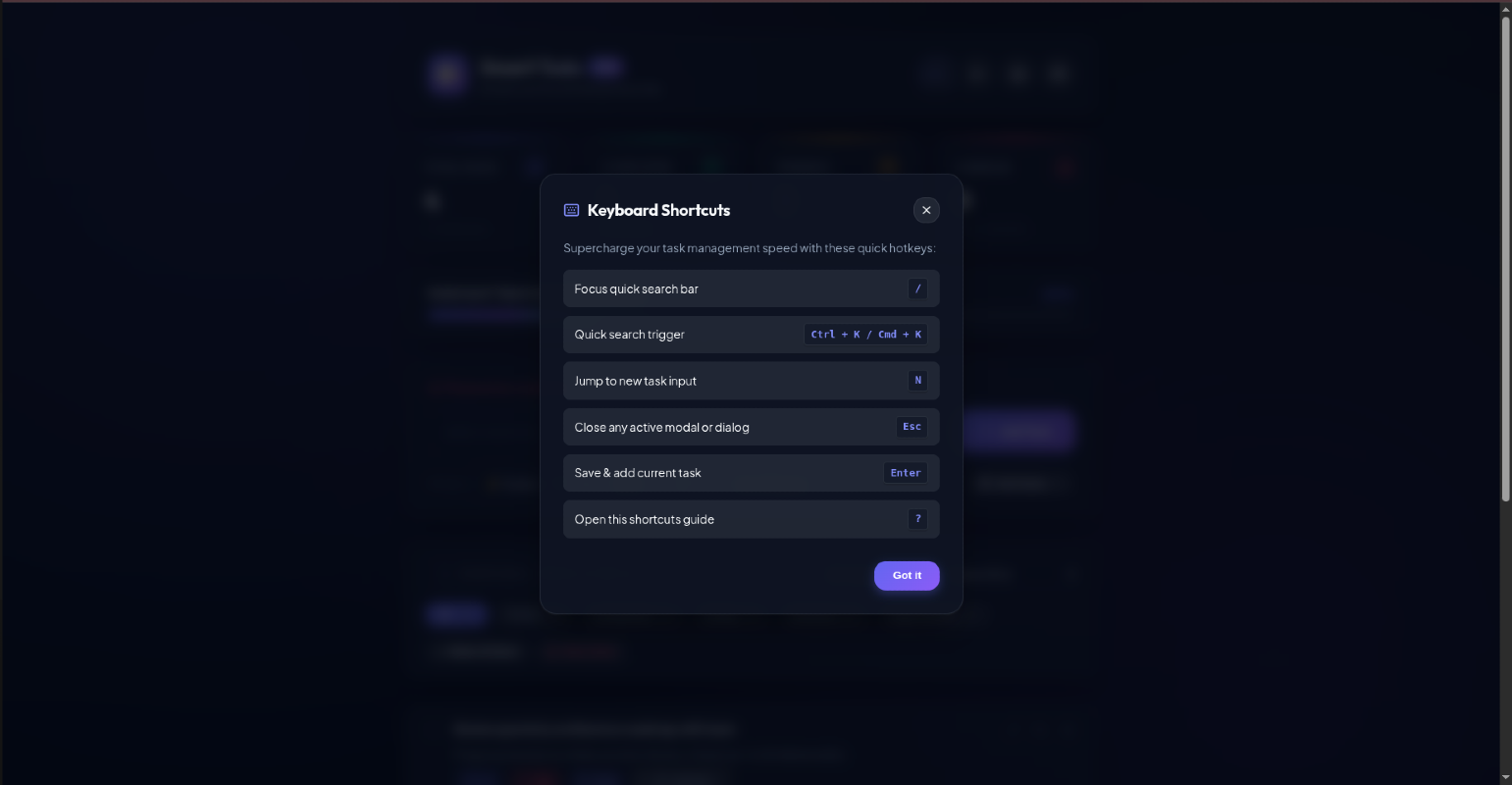
⌨️ Keyboard Shortcuts
Shortcut Action
N Jump focus to the New Task input
/ or Ctrl + K / Cmd + K Quick search filter
Enter Submit and create task
Esc Close any open modal or dialog
? Open the interactive Keyboard Shortcuts guide
Technologies Used
react js
vite